

Forex Broker Guides
Exness Verification Process and Requirements Guide
Learn how to verify your Exness account quickly with required documents and security settings.

Forex Analyst
Forex Analyst specializing in currency markets, market trends, technical and fundamental analysis, and providing clear insights to help traders make informed decisions.
Exness verification is a mandatory process that confirms your identity and residence before you can access full trading functionality and withdrawal capabilities. The broker follows international anti-money laundering (AML) and know-your-customer (KYC) regulations, which require collecting and validating personal information from every client. This process protects both the trader and the platform by preventing fraud, identity theft, and unauthorized account access. Understanding the requirements, timeline, and potential pitfalls helps you complete verification smoothly and avoid delays in funding or withdrawing from your trading account.
Contents
- Why Exness Verification Matters for Traders
- Exness KYC Document Requirements
- Step-by-Step Verification Process
- Two-Factor Authentication Setup
- Common Verification Issues and Solutions
- Verification Timeline and Account Limits
- Security Features Protecting Verified Accounts
- Key Takeaways for Exness Verification Success
The verification procedure at Exness consists of two main components: identity verification and address verification. Identity verification requires a government-issued photo ID such as a passport, national ID card, or driver's license. Address verification requires a recent utility bill, bank statement, or official government correspondence showing your full name and residential address. Both documents must be clear, legible, and valid at the time of submission. The broker also offers two-factor authentication (2FA) as an additional security layer, which is highly recommended for all account holders regardless of verification status.
Many traders underestimate the importance of completing verification early in their journey. An unverified account faces significant restrictions, including limited deposit amounts, blocked withdrawals, and restricted access to certain account types or promotional offers. By completing the process promptly after registration, you ensure uninterrupted access to all platform features, faster withdrawal processing, and eligibility for the full range of trading instruments. This guide walks you through every step, document requirement, and security setting to help you achieve fully verified status with minimal friction.

Why Exness Verification Matters for Traders
Verification serves multiple critical purposes beyond regulatory compliance. It establishes your legal identity, which protects your funds from unauthorized access and ensures that withdrawals reach the rightful account owner. Regulated brokers like Exness must adhere to strict financial crime prevention standards set by authorities such as the FCA, CySEC, and FSCA. These regulations mandate client identification, ongoing monitoring, and reporting of suspicious activities. Without proper verification, the broker cannot legally provide services or process transactions, which directly impacts your ability to trade effectively.
- Unlocks full withdrawal capabilities without amount restrictions
- Enables access to all account types including Professional and Raw Spread accounts
- Qualifies you for higher leverage limits where permitted by regulation
- Allows participation in partner programs, rebates, and promotional offers
- Provides stronger account protection against unauthorized access attempts
- Ensures compliance with international AML and CTF regulations
- Facilitates faster support resolution for account-related inquiries
Exness KYC Document Requirements
The Know Your Customer (KYC) process at Exness requires specific documents that meet international standards for identity and address verification. Each document must be submitted as a clear, color scan or high-resolution photograph showing all four corners. Blurry, cropped, or edited images are rejected automatically. The name on your identity document must match the name registered on your Exness account exactly. If you have changed your name legally, you must provide supporting documentation such as a marriage certificate or deed poll alongside your primary ID.
Scroll horizontally to see all columns
| Document Type | Identity Verification | Address Verification | Validity Requirements |
|---|---|---|---|
| Passport | Accepted (photo page) | Not accepted | Must be valid, not expired |
| National ID Card | Accepted (both sides) | Accepted if address shown | Must be valid, not expired |
| Driver's License | Accepted (both sides) | Accepted if address shown | Must be valid, not expired |
| Utility Bill | Not accepted | Accepted (electricity, water, gas) | Issued within last 3 months |
| Bank Statement | Not accepted | Accepted (official bank letter) | Issued within last 3 months |
| Government Letter | Not accepted | Accepted (tax, council, benefits) | Issued within last 3 months |
Step-by-Step Verification Process
Completing Exness verification follows a structured workflow within the Personal Area. The process typically takes a few minutes to submit, with review completed within 24 hours during business days. You can track the status in real time and receive notifications via email or the mobile app. Having your documents ready before starting reduces the chance of errors or resubmission requests. The steps below outline the standard path from login to fully verified status.
- Log in to your Exness Personal Area using your registered credentials
- Navigate to the Verification section under Account Settings or Profile
- Select Start Verification and choose your country of residence
- Upload a clear color scan or photo of your government-issued photo ID
- Upload a proof of address document issued within the last three months
- Review all entries for accuracy, then submit for review
- Monitor your email and Personal Area for status updates or requests for additional information
- Once approved, your account status changes to Fully Verified with all restrictions lifted
The verification interface provides real-time feedback on document quality and completeness. If a document is rejected, the system indicates the specific reason such as low resolution, expired validity, or mismatched data. You can then replace the rejected file without restarting the entire process. Corporate accounts and accounts opened under power of attorney follow a slightly different workflow requiring additional documentation such as certificate of incorporation, memorandum of association, and authorized signatory identification.
Two-Factor Authentication Setup
Two-factor authentication (2FA) adds a critical security layer beyond your password. Exness supports multiple 2FA methods including authenticator apps (Google Authenticator, Authy, Microsoft Authenticator), SMS codes, and email codes. Authenticator apps are the most secure option because they generate time-based one-time passwords (TOTP) offline and are not vulnerable to SIM swapping or email compromise. Enabling 2FA is optional but strongly recommended, especially for accounts with significant balances or frequent withdrawal activity.
- Download a reputable authenticator app on your smartphone
- In Personal Area, go to Security Settings and select Two-Factor Authentication
- Choose Authenticator App as your preferred method
- Scan the QR code displayed on screen using the authenticator app
- Enter the six-digit code generated by the app to confirm setup
- Save the backup codes provided in a secure offline location
- Test the 2FA by logging out and back in with the new code requirement
Common Verification Issues and Solutions
Even with careful preparation, verification submissions can encounter issues. The most frequent problems relate to document quality, data mismatches, or expired validity. Understanding these common pitfalls helps you avoid them or resolve them quickly if they occur. The compliance team reviews each submission manually, so clear communication and prompt response to requests for additional information accelerate the process significantly.
Scroll horizontally to see all columns
| Issue | Cause | Resolution |
|---|---|---|
| Document rejected: blurry | Low resolution or camera shake | Rescan in good lighting, ensure all text is readable |
| Document rejected: expired | ID or utility bill past validity date | Provide current valid document issued within required timeframe |
| Name mismatch | Account name differs from ID | Update account name or provide legal name change document |
| Address not verified | Document lacks clear address or is too old | Submit recent utility bill or bank statement with full address |
| Selfie verification failed | Poor lighting, face obscured, or wrong angle | Retake in bright light, face fully visible, no glasses or hats |
| Corporate docs rejected | Missing certification or unauthorized signatory | Provide notarized copies and board resolution for signatories |
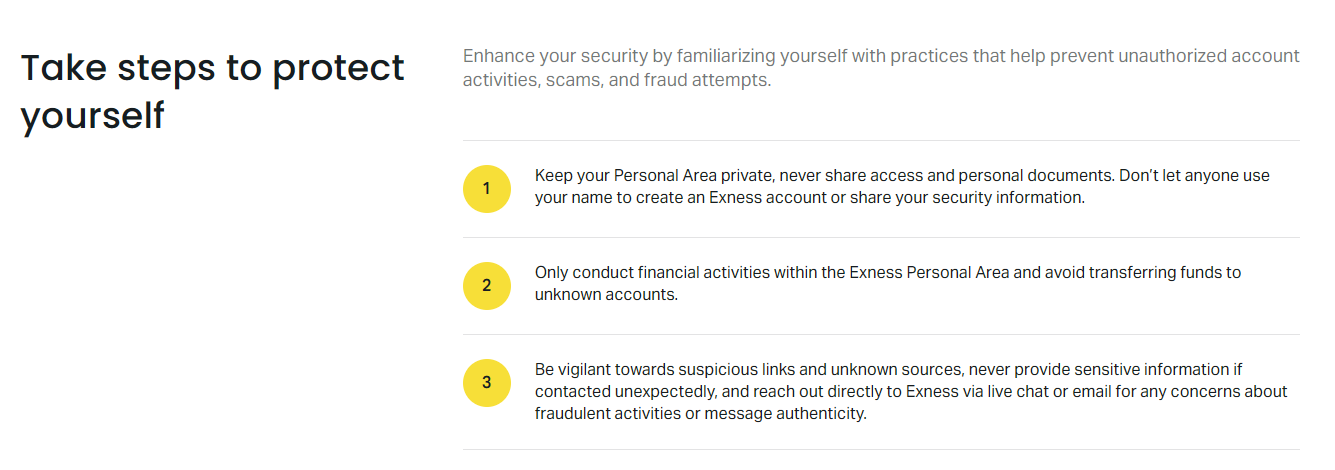
If your verification remains pending beyond 24 business hours, check your email spam folder for requests from the compliance team. You can also contact support via live chat for a status update. In some cases, additional verification such as a selfie with your ID or a video call may be required for enhanced due diligence. This is standard practice for higher-risk jurisdictions or when document authenticity needs confirmation. Cooperating promptly with these requests prevents prolonged account restrictions.
Verification Timeline and Account Limits
Exness applies tiered account limits based on verification status. Unverified accounts face the strictest restrictions, while fully verified accounts enjoy the highest limits and fastest processing. The timeline for each stage varies by region and current compliance workload. During peak periods such as major market events or promotional campaigns, review times may extend slightly. Planning ahead and verifying early ensures you are not caught by limits when you need to deposit or withdraw urgently.
Scroll horizontally to see all columns
| Verification Level | Deposit Limit | Withdrawal Limit | Processing Priority |
|---|---|---|---|
| Unverified | Limited (varies by region) | Blocked | Standard |
| Identity Verified Only | Higher than unverified | Limited amounts | Standard |
| Fully Verified (ID + Address) | No platform-imposed limits | No platform-imposed limits | Priority |
| Enhanced Verification (Corporate/High Value) | Custom limits per agreement | Custom limits per agreement | Dedicated support |
Verification is not a bureaucratic hurdle but a shield that protects your capital and ensures the integrity of every transaction on the platform.
Security Features Protecting Verified Accounts
Once verified, your Exness account benefits from multiple security mechanisms designed to prevent unauthorized access and fraudulent activity. These features work together to create a defense-in-depth approach, combining something you know (password), something you have (2FA device), and something you are (biometric login on mobile). The platform also monitors for anomalous login patterns, new device alerts, and withdrawal destination changes, triggering additional confirmation steps when suspicious activity is detected.
- Two-factor authentication with authenticator app, SMS, or email
- Biometric login (fingerprint, Face ID) on mobile applications
- Login notifications for new devices and geographic locations
- Withdrawal confirmation via email or 2FA for new destinations
- Session management with automatic timeout and remote logout
- IP allowlisting for API and partner portal access
- Encrypted data transmission and storage per PCI DSS standards
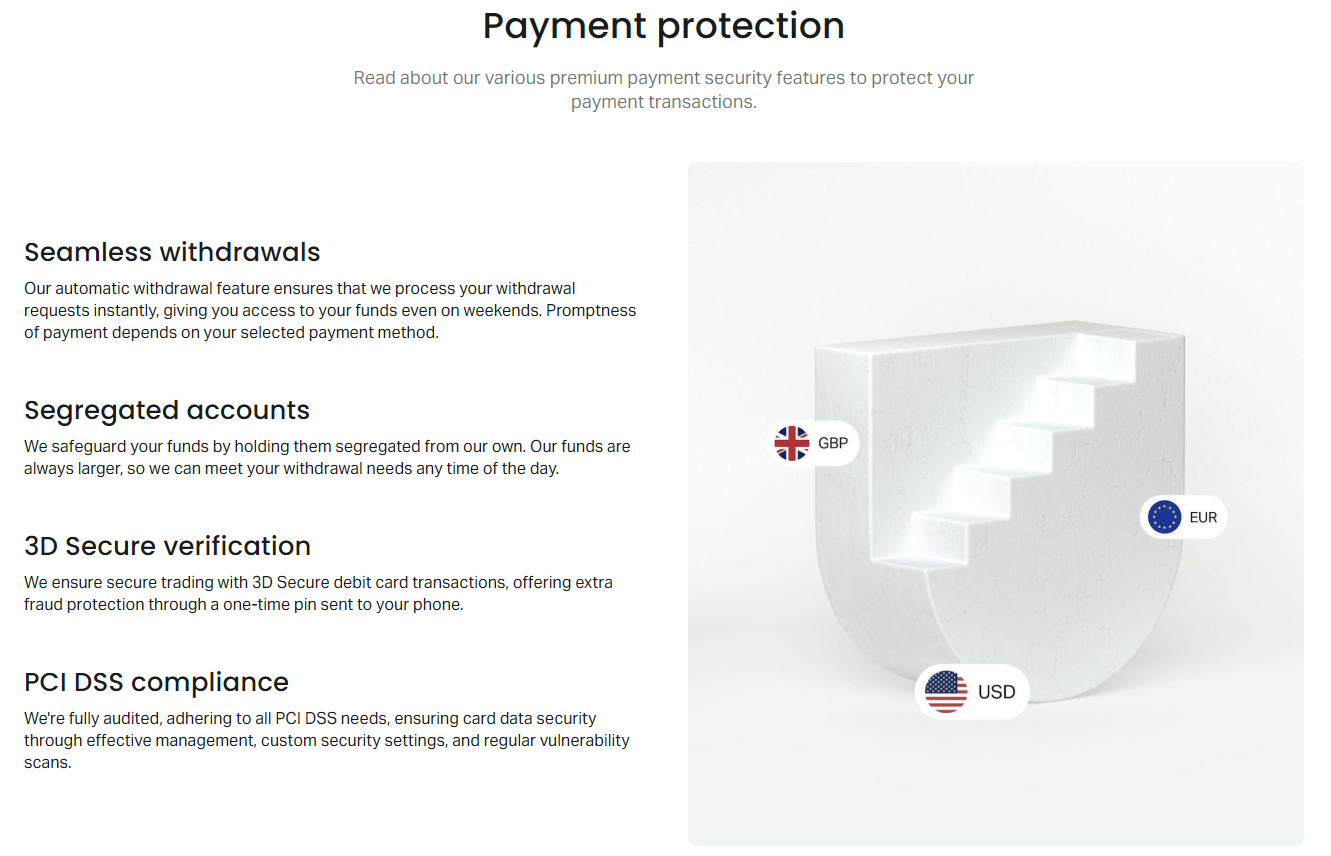
The payment protection system adds an extra verification step for withdrawals to new or unrecognized destinations. When you request a withdrawal to a bank account, e-wallet, or crypto address not previously used, the system requires confirmation via your registered 2FA method. This prevents unauthorized fund transfers even if login credentials are compromised. You can also set withdrawal limits and enable cooling-off periods for added control. Regular security audits and penetration testing ensure these protections remain effective against evolving threats.
A verified account with 2FA enabled represents the gold standard for retail trading security, combining regulatory compliance with user-controlled protection layers.
Frequently Asked Questions
How long does Exness verification take to complete?
Standard verification review takes up to 24 business hours after submission. Complex cases or enhanced due diligence requests may extend this to 48-72 hours. You receive email notification once the status changes.
Can I trade on Exness without completing verification?
Yes, you can deposit and trade with an unverified account, but withdrawals are blocked and deposit limits apply. Full functionality requires completed identity and address verification.
What documents are accepted for proof of address at Exness?
Accepted documents include utility bills (electricity, water, gas), bank statements, and official government letters issued within the last three months. Mobile phone bills are generally not accepted.
Is two-factor authentication mandatory for Exness accounts?
Two-factor authentication is optional but highly recommended. It is not mandatory for verification, but enabling it significantly improves account security and is required for certain high-value withdrawal actions.
What should I do if my verification documents are rejected?
Check the rejection reason in your Personal Area or email. Common fixes include providing a clearer image, ensuring the document is valid and not expired, or submitting an alternative accepted document type.
Does Exness verification expire or need renewal?
Verification does not expire automatically, but you may be asked to re-verify if your identity documents expire, you change your legal name or address, or regulatory requirements change. The system will notify you when action is needed.
Can I use a driver's license for both identity and address verification?
Yes, if your driver's license displays your current residential address and is accepted in your jurisdiction, it can serve as both identity and address proof. Otherwise, a separate address document is required.
How does Exness protect my personal documents after verification?
Submitted documents are encrypted at rest and in transit, stored in compliance with data protection regulations (GDPR and equivalent), and accessed only by authorized compliance personnel for verification and regulatory purposes.
Key Takeaways for Exness Verification Success
Completing Exness verification efficiently requires preparation, attention to document quality, and understanding the tiered limits that govern your account capabilities. Start the process immediately after registration to avoid withdrawal delays when you need access to your funds. Use high-resolution scans or well-lit photos showing all document corners, ensure your proof of address is recent, and enable two-factor authentication with an authenticator app for maximum security. Monitor your email for compliance requests and respond promptly. A fully verified account with 2FA active provides the strongest protection for your trading capital and the smoothest experience across deposits, withdrawals, and platform features. By following the steps and best practices outlined in this guide, you can achieve verified status quickly and focus on your trading strategy with confidence.